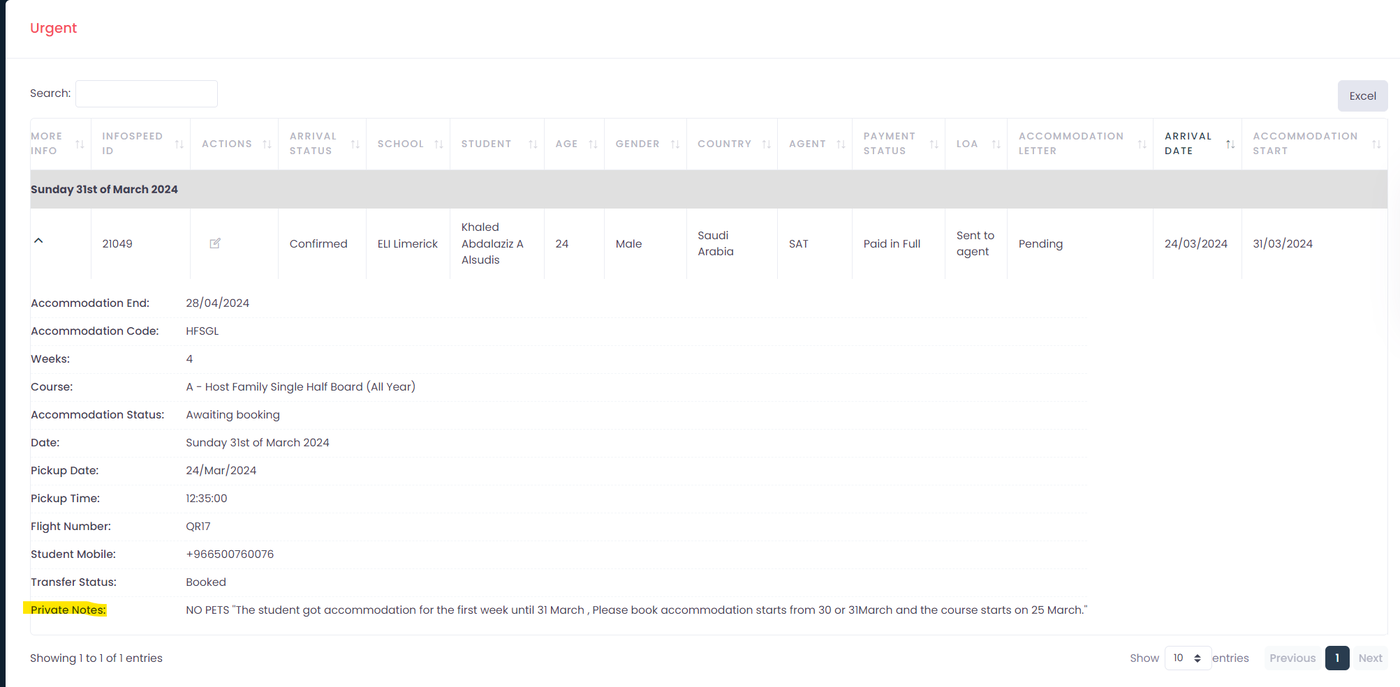
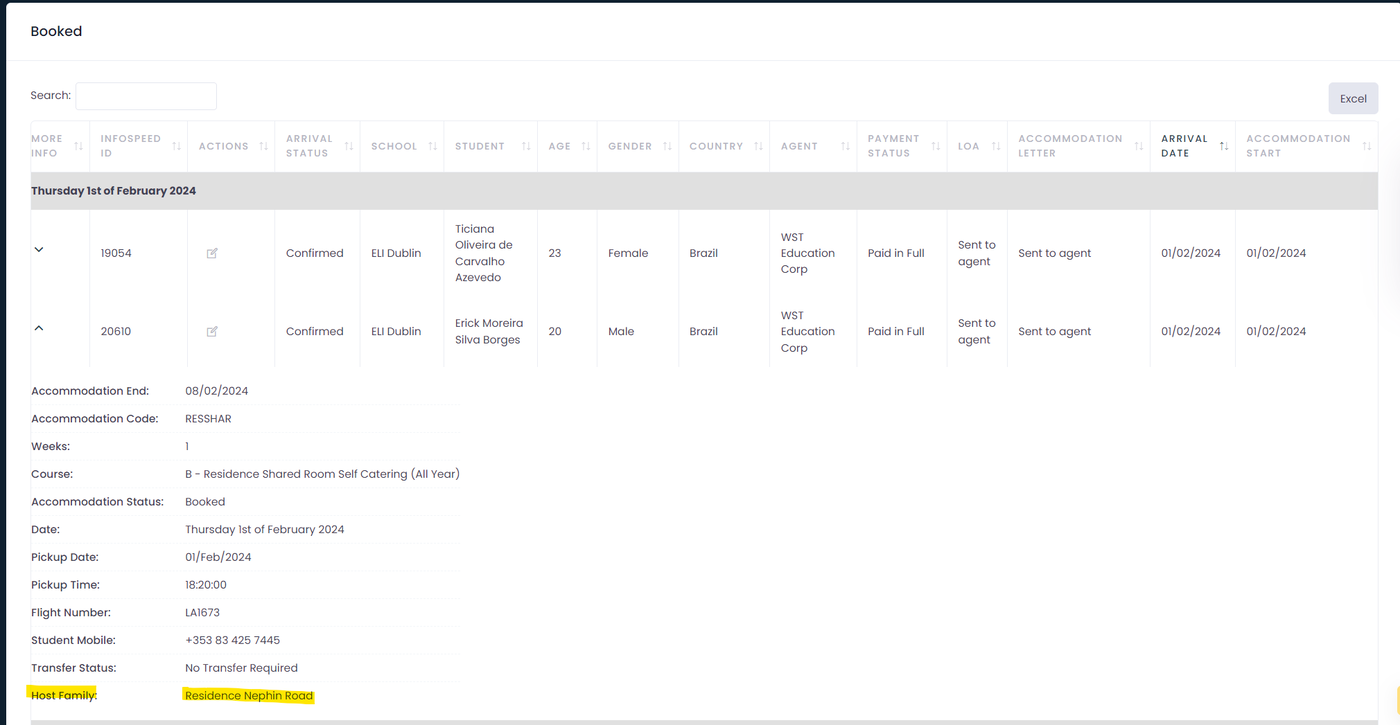
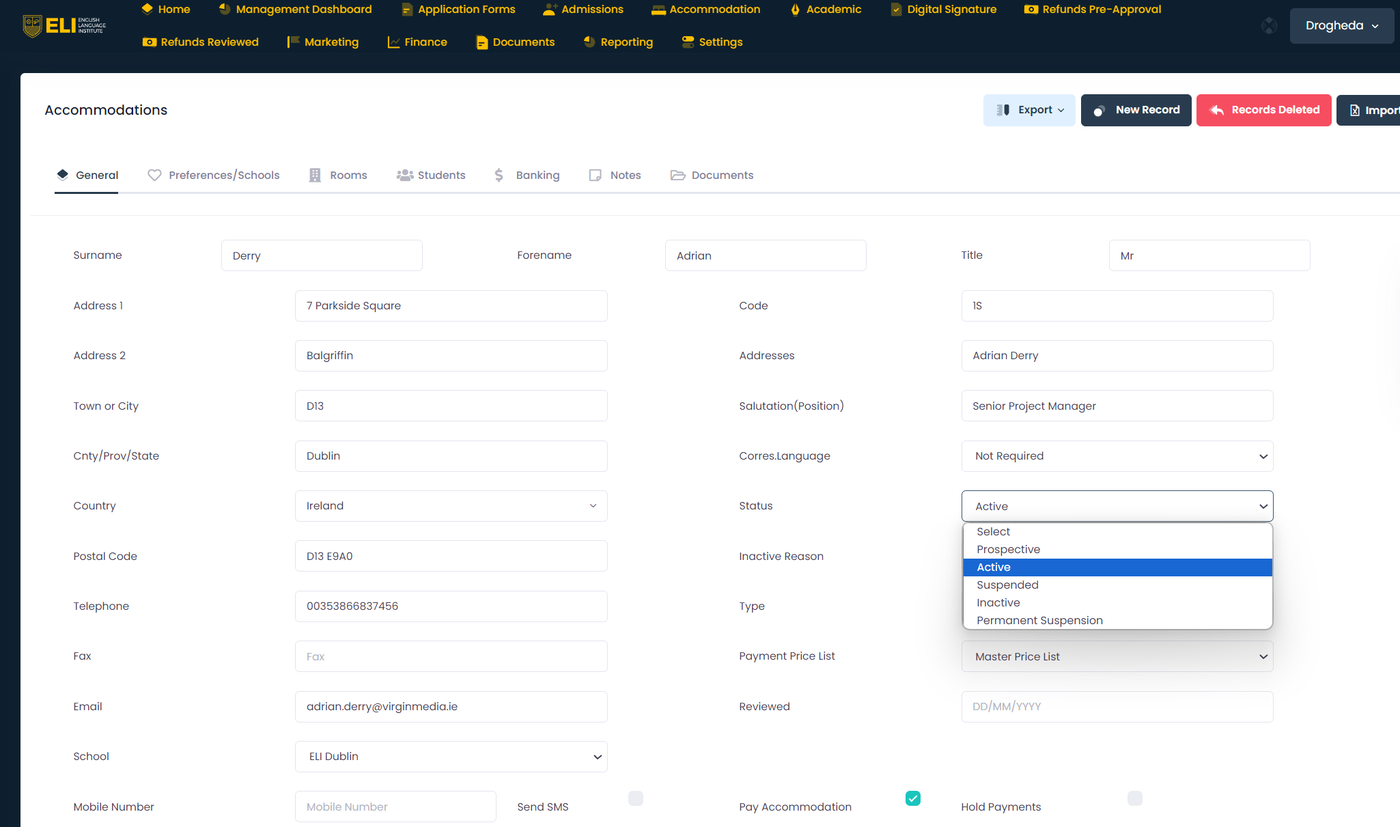
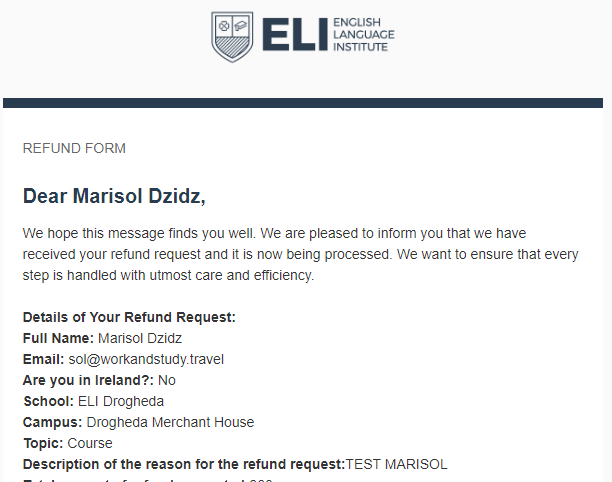
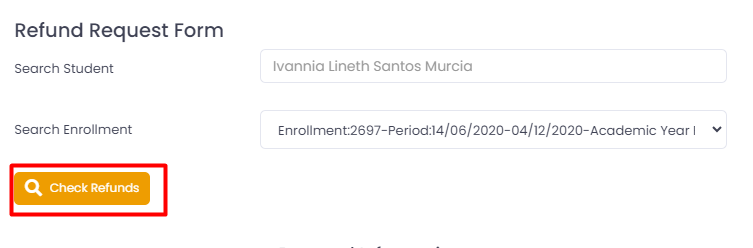
Updates on the Refunds View:
Changes on the "Refunds" Screen:
In addition to these improvements, we've introduced a new refunds report that facilitates viewing all refunds in the "In Process" status. Date filters by month have also been added for better management. You can access this report in the Finance -> Reports -> Refunds Report section.
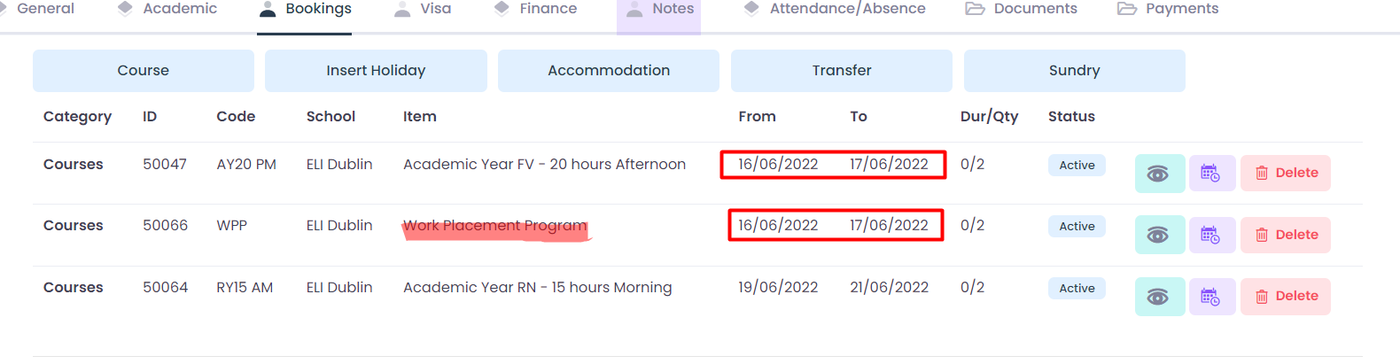
The function for creating and editing filters has been modified to accommodate the inclusion of the "Work Placement Program" course alongside another course during the same dates. It's noteworthy that the "Work Placement Program" has been integrated as an additional element within the course, intended to be added to specific reservations requiring it for proper tracking. Furthermore, this element has been excluded from the main validations to ensure its seamless operation.
This request was made by the admissions department.
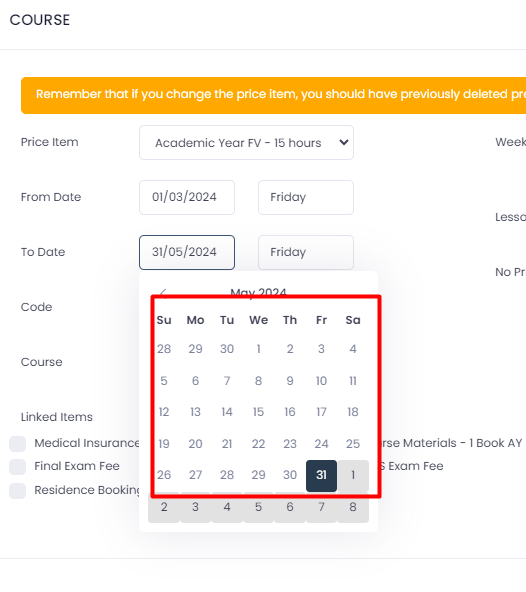
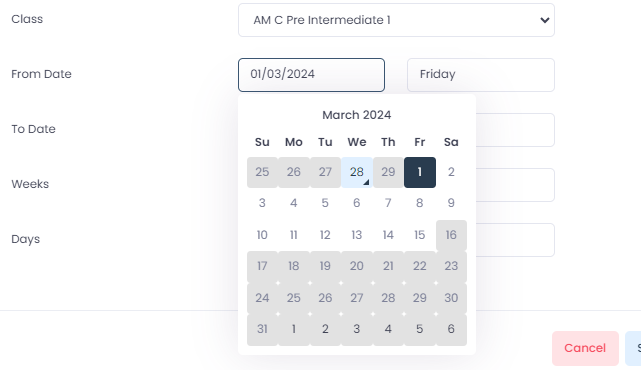
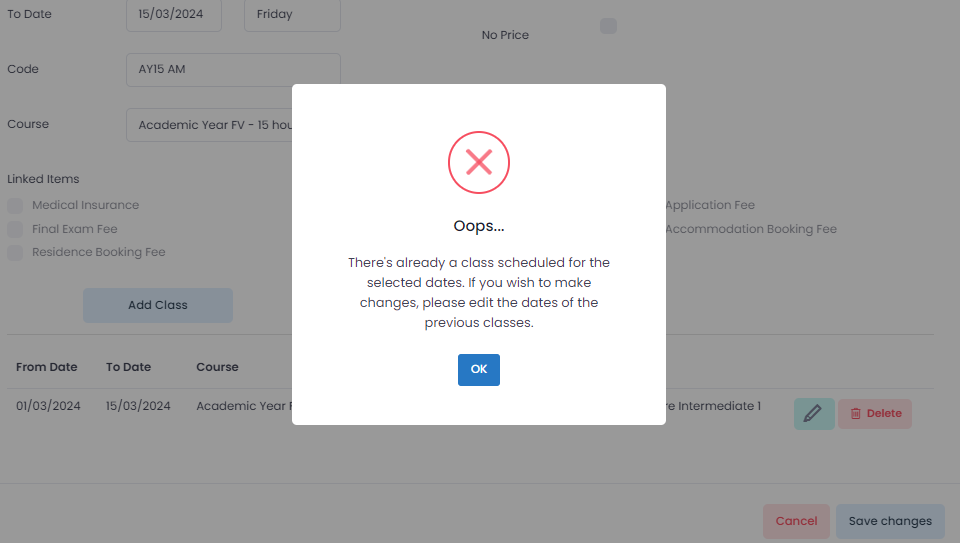
A problem was detected involving the creation of two classes on the same dates for a student. To address this issue and prevent future inconveniences, the following enhancements have been made to the system:
With these improvements, the system now ensures that classes or courses cannot be added that overlap in time. Furthermore, it prevents the introduction of dates where the end date is before the start date, or vice versa.
Starting today, February 28th, 2024, any classes or courses created should not appear duplicated.
Dear Users,
We are pleased to announce that we have implemented a significant update to our system, specifically addressing a recently reported issue with the "Move Students" tool. Previously, some users experienced difficulties where this tool did not process students correctly.
Update Details:
Required Action: We kindly ask you to test the updated tool and inform us of any irregularities or if the issue persists. Please communicate through this email thread or our usual support channels.
Feedback: Your feedback is crucial to us. We would appreciate any comments or suggestions you may have regarding the updated tool.
We thank you for your patience and collaboration while we worked on this improvement, and we hope the update provides a more efficient and problem-free experience.
Sincerely,
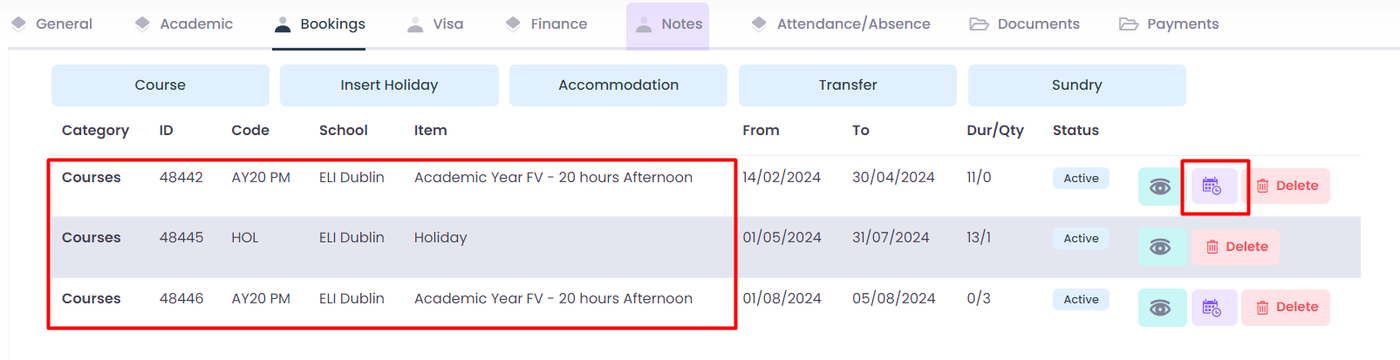
We have conducted a thorough review of the finances module, starting with the analysis of the "View items without Finances" report. During this review, two important fields were added to the table: "From date" and "To date". These dates indicate the start and end of each item, facilitating the identification of any potential duplicates.
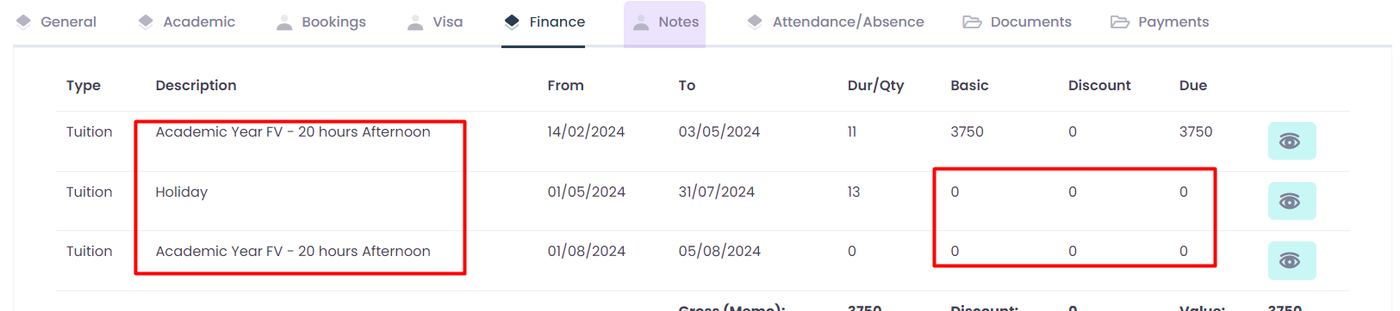
It was reported that there were recurring instances of item creation without finances, particularly when using the "Extend Holiday" function. After thorough investigation, we confirmed this issue to be persistent. Consequently, we updated the function to ensure the proper creation of finances for each item, with a value of 0.
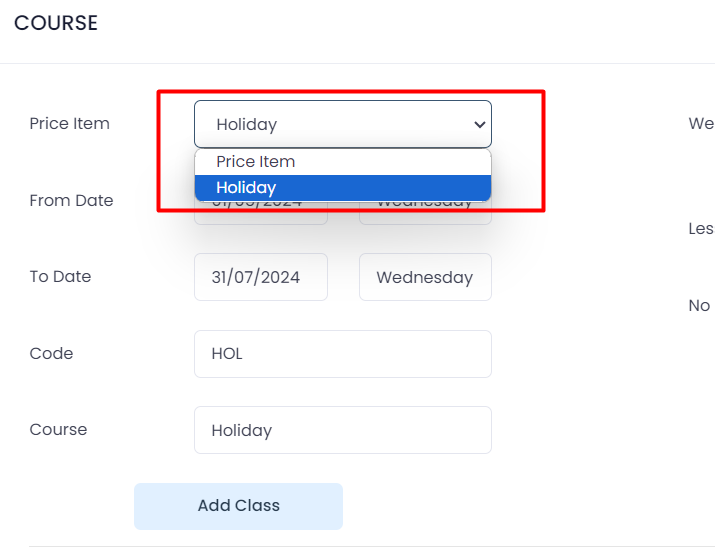
Furthermore, we have updated the price items selector in the course modal to prevent switching to a regular course when the course type is holiday. This ensures consistency in course scheduling and avoids potential conflicts.
To conclude the update, it's important to note that the "View items without Finance" report will display all items within each enrollment where there is an absence of a finance relationship. This will provide a clear overview of any areas requiring additional attention in terms of financial management.
Fixed the issue of students appearing multiple times in attendance entry (Provisional Fix): We've resolved the bug that caused students to appear twice or even thrice in the attendance entry. This was leading to double or triple attendance entries for the same student. Please note that this fix is provisional and corresponds to a larger fix, numbered T-3330, which addresses the root cause of the problem and is currently in progress. We are working diligently to provide a more comprehensive solution. In the meantime, this update will ensure each student only appears once in the attendance entry, ensuring more accurate attendance records. We understand the importance of correct attendance data for our users and apologize for any inconvenience caused. Please continue to report any issues you encounter, your feedback is invaluable to us!
Tickets Solved:
T-3457 Student appearing twice in enter attendance
T-3455 Student appearing twice in enter attendance
T-3458 Student appearing in enter attendance twice
T-3459 Student in enter attendance twice
T-3490 Student appearing in enter attendance twice
T-3491 Student appearing in etner attendance twice
T-3494 Student Appearing in Attendance Entry Twice
T-3495 Student appearing THREE times per day in attendance/absence
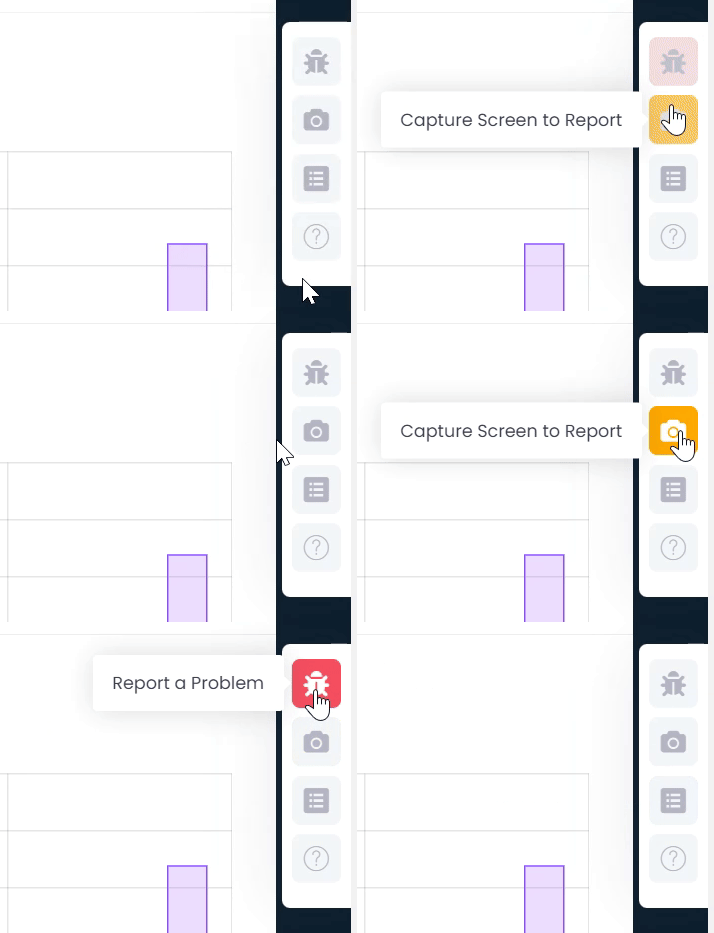
We are excited to announce a significant update to our system, focusing on enhancing user experience and optimizing the process of reporting and tracking issues. This update introduces three new tools designed to improve efficiency and effectiveness in incident management.
These innovations represent our ongoing commitment to enhancing user experience and operational efficiency. We appreciate your continuous collaboration and feedback, which are fundamental to these improvements. We hope these new tools will facilitate and improve your interaction with our platform.
Dear Users,
We wish to inform you that we have identified that some ad blockers may be interfering with the performance and functionality of our system, particularly on the domain admin.elischools.com.
To ensure a smooth and efficient experience, we kindly ask you to disable your ad blocker while using our system. Doing so will significantly improve the speed and performance of the platform.
How to Disable Your Adblocker on admin.elischools.com?
Visit our website: admin.elischools.com.
Click on your ad blocker's icon in the top right corner of your browser.
Select the option to disable ad blocking for admin.elischools.com.
We appreciate your understanding and cooperation. Should you have any questions or require assistance in disabling the ad blocker, please do not hesitate to contact our support team.
Thank you for being a part of our community.