
Update to CheckAttendance - Streamlined Attendance Email Process
Objective: We have updated the CheckAttendance module to enhance the user experience by removing the manual email entry during the attendance registration process. The system now automatically sends attendance information to the student's registered email address.
Key Steps Implemented:
- Access the CheckAttendance Module:Navigate to the CheckAttendance module as usual.
- Remove Email Entry Field:The email entry field has been removed from the attendance registration section.
- Enter Student ID:Simply enter the student's ID in the designated field.
- Click "Check Attendance":After entering the student ID, click the "Check Attendance" button to proceed.
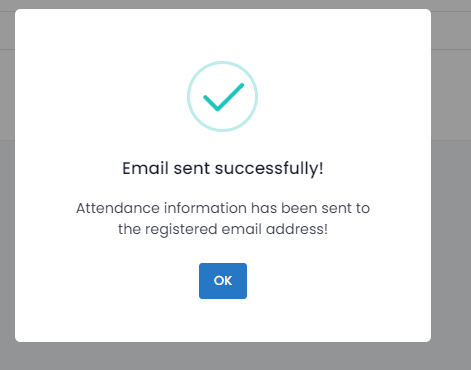
- Confirmation Message: A confirmation message will appear, indicating: "Attendance information has been sent to the registered email address."
Automatic Email Dispatch:The system now automatically sends the attendance details to the student’s registered email address without further user intervention.